That prime piece of real estate in the bottom-right corner of your back cover? It’s not entirely yours to control. Who decides what goes there—and whether you need to provide it—varies by printer. Getting it wrong can mean a clunky white sticker slapped over your beautiful design or, worse, a rejected file.
Amazon KDP: They Handle It, You Provide the Blank Space
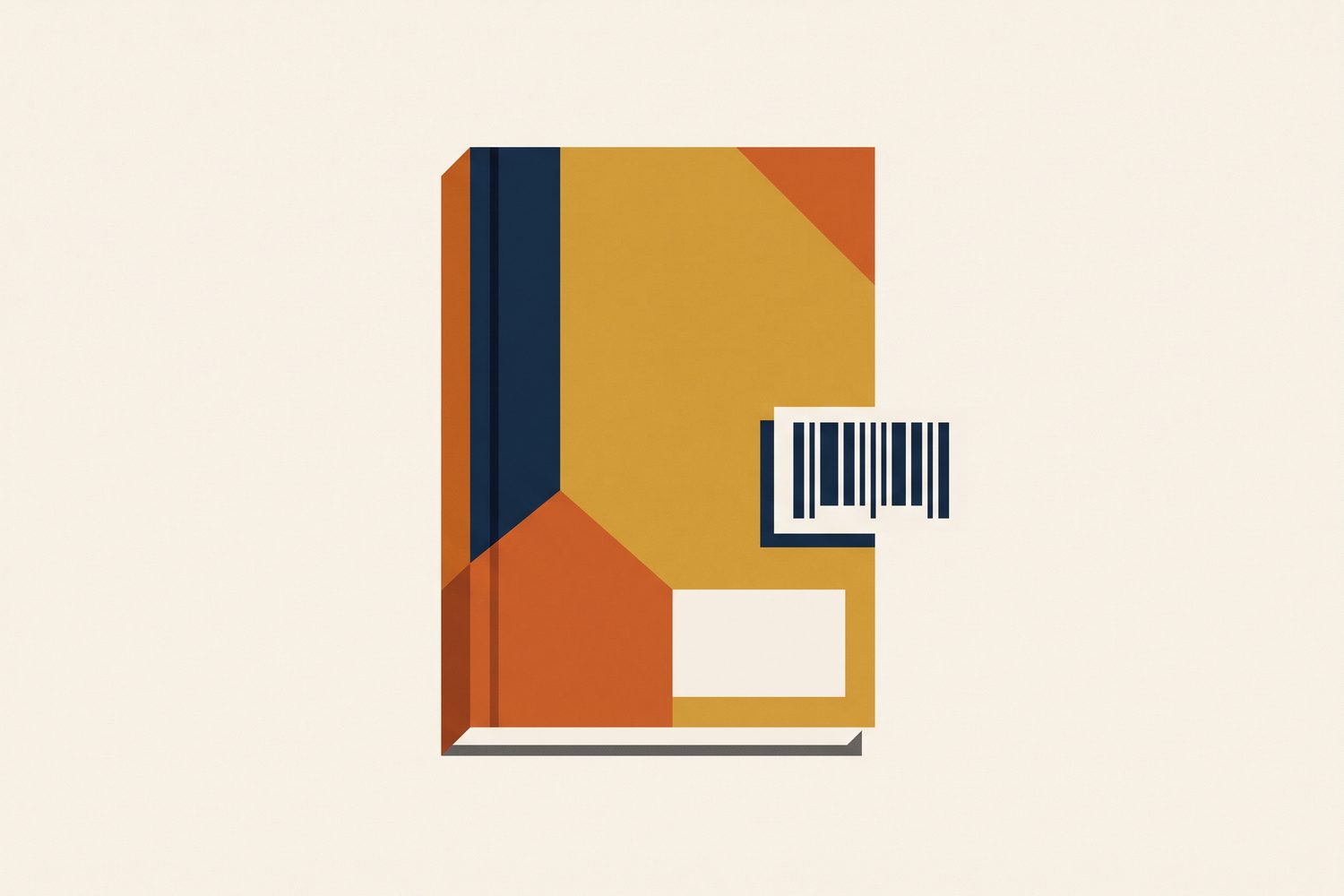
When you upload your paperback cover to KDP, you have a choice: include a barcode or leave it out. If you opt out, Amazon automatically places an ISBN barcode in the lower-right corner of the back cover, printing it right over your artwork. The area they use for this is roughly 2″ × 1.2″, tucked neatly into that bottom-right trim corner.
What this means for your design: - That rectangle stays empty. Critical text, portraits and important art go elsewhere. - Plan for contrast. If you have a busy or dark design in that corner, Amazon’s barcode will come with its own white background box. On dramatic artwork, this can look like an afterthought—a shipping label stuck on a painting. A cleaner approach is to let your back-cover design transition to a lighter, calmer zone in that corner so the barcode blends in seamlessly. - You can take control. If you place your own barcode in the artwork file, KDP will use yours instead. This is perfect if you own your ISBN and want the barcode to match your cover’s style.
IngramSpark: The Barcode is Your Responsibility
With IngramSpark, including a barcode on your cover file is mandatory. It must be 100% black bars (CMYK 0/0/0/100) on a pure white background, and you must reserve a clear area of about 1.75″ × 1″ for it. The safest path is to use IngramSpark’s own cover template generator, which can include a correctly positioned, free barcode. Design your cover directly on top of this generated template to guarantee everything is in the right place.
Lulu: Follows a Similar Rule
Lulu operates on the same principle as IngramSpark for books destined for retail distribution. You must include the barcode in your submitted artwork. Their template generator, which uses your actual page count, will show you the exact area you need to reserve.
Understanding the EAN-13 Barcode
The standard barcode you see on books is an EAN-13, which encodes your ISBN-13 number and often includes a 5-digit price add-on. For print, two technical details are crucial: the bars must be crisp vector art or a very high-resolution black image, and the “quiet zones” (the empty margins inside the barcode’s white box) must remain completely clear for scanners to read it properly.
Quick-Reference Checklist
| Printer | Who Supplies the Barcode? | Required Clear Zone |
|---|---|---|
| Amazon KDP | Optional — KDP auto-places if absent | ~2″ × 1.2″, bottom-right of back |
| IngramSpark | You (mandatory) | 1.75″ × 1″, white background, pure black bars |
| Lulu | You (for retail distribution) | As shown in their generated template |
The barcode zone moves with the book’s trimmed size, so the full wrap dimensions come first; the cover size calculator gives them. The differences between printers go well beyond the barcode; see IngramSpark vs KDP cover files.
Sources
- KDP: Paperback Submission Guidelines — “upload a cover with or without a barcode”
- IngramSpark: File Requirements for Print Books — mandatory barcode, black-on-white, clear area
- KDP Print Cover Generator: barcode placement guide — zone size and placement detail