Guides
Cover & KDP guides
Covers, spines, barcodes and KDP file problems, explained with the exact numbers Amazon checks. Written by the makers of the free cover studio.

Why does my KDP paperback cover look cropped or shifted?
Your cover art is the right size but Amazon's previewer shaves the edges or drifts the spine. The cause is almost always aspect ratio, not resolution — here's the five-minute diagnosis.

Do I need to disclose my AI-generated KDP book cover?
Amazon requires disclosure of AI-generated images — including covers — at publish time. What counts as generated vs assisted, what happens to the disclosure, and the real risks.
How long should a KDP back cover blurb be?
The working standard is 100–200 words, and the structure matters more than the count. The full anatomy of a back cover that sells — blurb, quotes, bio, and the zones you can't use.

Why does KDP reject my cover for DPI after I changed it to 300?
A '72 DPI' file can be perfect for print and a '300 DPI' file can be garbage. What DPI actually is, the only formula you need, and how printers really check resolution.

How do I make my KDP cover work at 160-pixel thumbnail size?
Most buyers first meet your cover as a tiny thumbnail in Amazon search results. How to test yours at real sizes, and the design moves that survive shrinking.

Choosing a novel trim size: 5x8, 5.5x8.5, or 6x9?
The three standard novel trims, what each signals on a shelf, and how the choice changes your page count, spine, printing cost and cover design.

How long does a KDP cover update really take?
You can swap a KDP cover any time without losing reviews or your ASIN. The actual timelines — 72-hour review, 7-day Look Inside lag — and the checks to run first.

KDP cream vs white paper differences beyond color
Paper choice quietly changes your spine width, your maximum page count, and how your cover file must be built. The full comparison with the exact numbers.

Why does my KDP cover fail on IngramSpark?
Same book, two printers, two different cover files. Color space, barcodes, templates, safety margins and spine math — what changes when you go wide in print.
How do I handle the barcode area on my book's back cover for KDP?
KDP stamps its own barcode over your art; IngramSpark and Lulu make you supply one. Exact zone sizes, placement, and how to design a back cover around them.
Why does KDP keep rejecting my cover file?
Almost every KDP cover rejection is dimensions, resolution, or content placement. A diagnostic checklist that fixes each one, with the exact numbers Amazon checks.
What are the exact KDP paperback cover size requirements?
The exact formula Amazon uses for paperback cover dimensions — bleed, spine, safe zones, DPI and file limits — with worked examples for the common trim sizes.

Why does KDP reject my spine text on 75-page book?
Why Amazon rejects spine text on thin books, exactly how much clearance the folds need, and what to put on a spine that's too narrow for a title.

What are the exact KDP ebook cover size requirements?
1600 × 2560 pixels, 1.6:1 ratio, JPEG or TIFF, under 50 MB, RGB only — Amazon's full ebook cover requirements and the quality warnings each limit triggers.
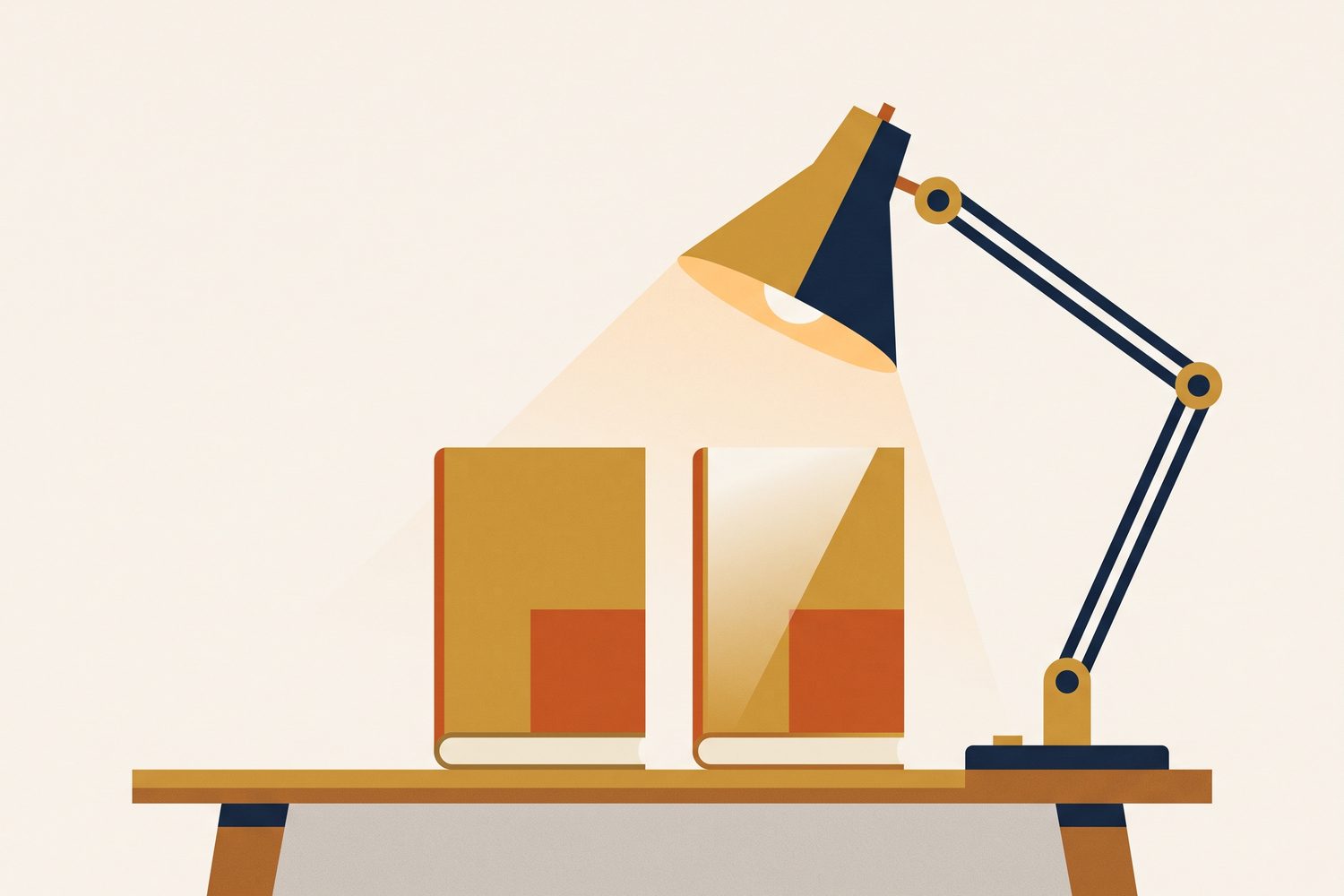
KDP cover finish: glossy vs matte, which for my fiction book?
Matte is the fiction default and glossy survives handling better — the real trade-offs, genre conventions, and the cases where the choice is effectively made for you.

Should I use RGB or CMYK for my KDP and IngramSpark book cover?
KDP accepts RGB and converts it; IngramSpark requires CMYK. Why covers print darker than the screen, and the setup that avoids double-conversion damage.
No guide matches that. Try another word, or clear the search.
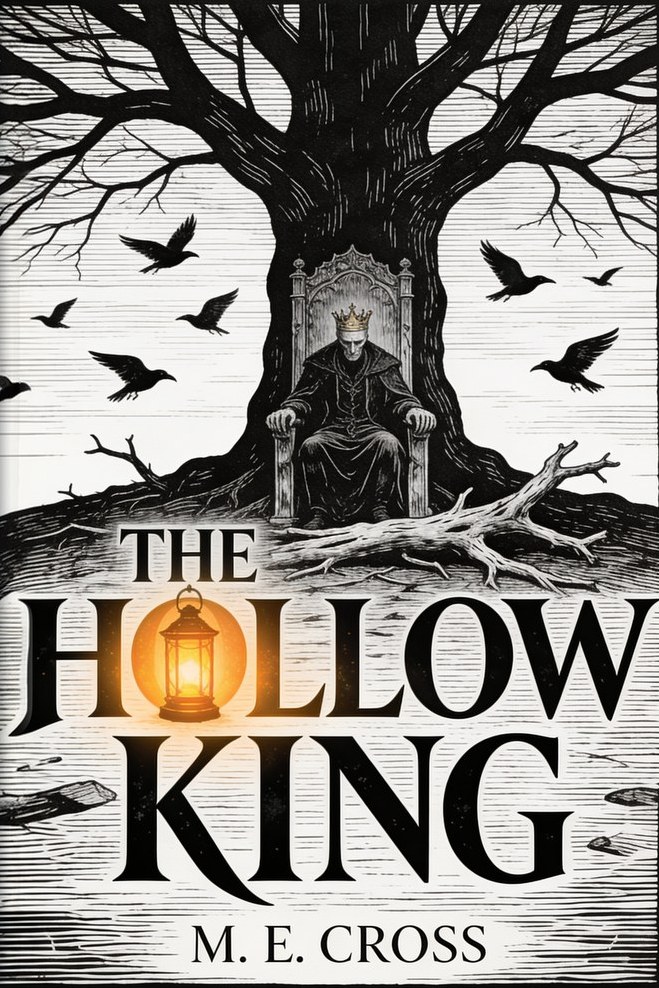
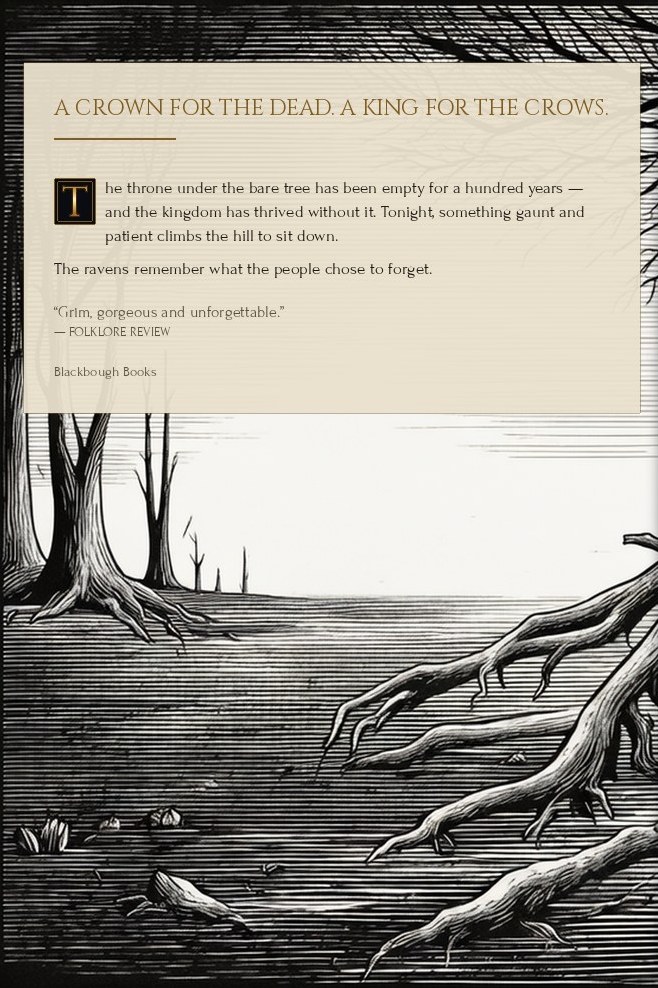

One-click covers, print-ready
Front, spine and back — a full wrap-around cover sized exactly for KDP, plus a matching Kindle edition. All the design tools you need for instant, print-ready art. Free preview, no card.
Make your cover →